

Display Format for Numeric Values
By default, MATLAB uses a 5-digit short format to display numbers. For example,
x = 4/3
x =
1.3333
You can change the display in the Command Window or Editor using the format function.
format long
x
x =
1.333333333333333
Using the format function only sets the format for the current MATLAB session. To set the format for
subsequent sessions, click
Preferences on the Home tab in the Environment section. Select
MATLAB > Command Window, and then choose a Numeric format option.
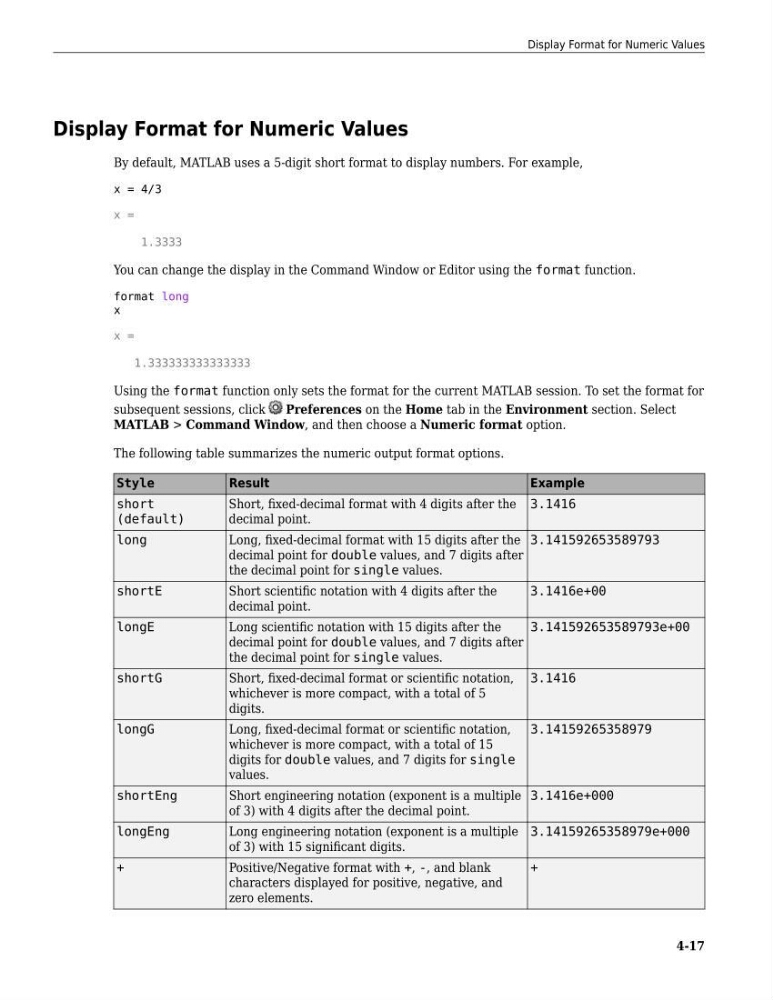
The following table summarizes the numeric output format options.
Style
Result
Example
short
(default)
Short, fixed-decimal format with 4 digits after the
decimal point.
3.1416
long
Long, fixed-decimal format with 15 digits after the
decimal point for double values, and 7 digits after
the decimal point for single values.
3.141592653589793
shortE
Short scientific notation with 4 digits after the
decimal point.
3.1416e+00
longE
Long scientific notation with 15 digits after the
decimal point for double values, and 7 digits after
the decimal point for single values.
3.141592653589793e+00
shortG
Short, fixed-decimal format or scientific notation,
whichever is more compact, with a total of 5
digits.
3.1416
longG
Long, fixed-decimal format or scientific notation,
whichever is more compact, with a total of 15
digits for double values, and 7 digits for single
values.
3.14159265358979
shortEng
Short engineering notation (exponent is a multiple
of 3) with 4 digits after the decimal point.
3.1416e+000
longEng
Long engineering notation (exponent is a multiple
of 3) with 15 significant digits.
3.14159265358979e+000
+
Positive/Negative format with +, -, and blank
characters displayed for positive, negative, and
zero elements.
+
Display Format for Numeric Values
4-17
By default, MATLAB uses a 5-digit short format to display numbers. For example,
x = 4/3
x =
1.3333
You can change the display in the Command Window or Editor using the format function.
format long
x
x =
1.333333333333333
Using the format function only sets the format for the current MATLAB session. To set the format for
subsequent sessions, click
Preferences on the Home tab in the Environment section. Select
MATLAB > Command Window, and then choose a Numeric format option.
The following table summarizes the numeric output format options.
Style
Result
Example
short
(default)
Short, fixed-decimal format with 4 digits after the
decimal point.
3.1416
long
Long, fixed-decimal format with 15 digits after the
decimal point for double values, and 7 digits after
the decimal point for single values.
3.141592653589793
shortE
Short scientific notation with 4 digits after the
decimal point.
3.1416e+00
longE
Long scientific notation with 15 digits after the
decimal point for double values, and 7 digits after
the decimal point for single values.
3.141592653589793e+00
shortG
Short, fixed-decimal format or scientific notation,
whichever is more compact, with a total of 5
digits.
3.1416
longG
Long, fixed-decimal format or scientific notation,
whichever is more compact, with a total of 15
digits for double values, and 7 digits for single
values.
3.14159265358979
shortEng
Short engineering notation (exponent is a multiple
of 3) with 4 digits after the decimal point.
3.1416e+000
longEng
Long engineering notation (exponent is a multiple
of 3) with 15 significant digits.
3.14159265358979e+000
+
Positive/Negative format with +, -, and blank
characters displayed for positive, negative, and
zero elements.
+
Display Format for Numeric Values
4-17