

10
12
19
21
3
11
18
25
2
9
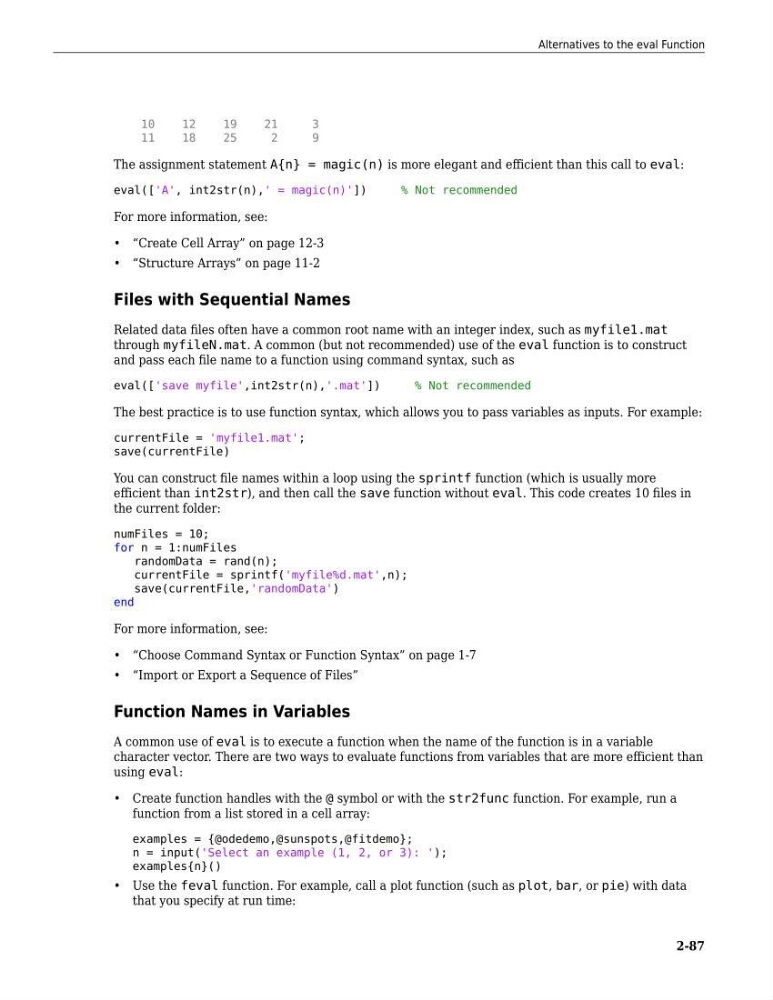
The assignment statement A{n} = magic(n) is more elegant and efficient than this call to eval:
eval(['A', int2str(n),' = magic(n)'])
% Not recommended
For more information, see:
• “Create Cell Array” on page 12-3
• “Structure Arrays” on page 11-2
Files with Sequential Names
Related data files often have a common root name with an integer index, such as myfile1.mat
through myfileN.mat. A common (but not recommended) use of the eval function is to construct
and pass each file name to a function using command syntax, such as
eval(['save myfile',int2str(n),'.mat'])
% Not recommended
The best practice is to use function syntax, which allows you to pass variables as inputs. For example:
currentFile = 'myfile1.mat';
save(currentFile)
You can construct file names within a loop using the sprintf function (which is usually more
efficient than int2str), and then call the save function without eval. This code creates 10 files in
the current folder:
numFiles = 10;
for n = 1:numFiles
randomData = rand(n);
currentFile = sprintf('myfile%d.mat',n);
save(currentFile,'randomData')
end
For more information, see:
• “Choose Command Syntax or Function Syntax” on page 1-7
• “Import or Export a Sequence of Files”
Function Names in Variables
A common use of eval is to execute a function when the name of the function is in a variable
character vector. There are two ways to evaluate functions from variables that are more efficient than
using eval:
• Create function handles with the @ symbol or with the str2func function. For example, run a
function from a list stored in a cell array:
examples = {@odedemo,@sunspots,@fitdemo};
n = input('Select an example (1, 2, or 3): ');
examples{n}()
• Use the feval function. For example, call a plot function (such as plot, bar, or pie) with data
that you specify at run time:
Alternatives to the eval Function
2-87
12
19
21
3
11
18
25
2
9
The assignment statement A{n} = magic(n) is more elegant and efficient than this call to eval:
eval(['A', int2str(n),' = magic(n)'])
% Not recommended
For more information, see:
• “Create Cell Array” on page 12-3
• “Structure Arrays” on page 11-2
Files with Sequential Names
Related data files often have a common root name with an integer index, such as myfile1.mat
through myfileN.mat. A common (but not recommended) use of the eval function is to construct
and pass each file name to a function using command syntax, such as
eval(['save myfile',int2str(n),'.mat'])
% Not recommended
The best practice is to use function syntax, which allows you to pass variables as inputs. For example:
currentFile = 'myfile1.mat';
save(currentFile)
You can construct file names within a loop using the sprintf function (which is usually more
efficient than int2str), and then call the save function without eval. This code creates 10 files in
the current folder:
numFiles = 10;
for n = 1:numFiles
randomData = rand(n);
currentFile = sprintf('myfile%d.mat',n);
save(currentFile,'randomData')
end
For more information, see:
• “Choose Command Syntax or Function Syntax” on page 1-7
• “Import or Export a Sequence of Files”
Function Names in Variables
A common use of eval is to execute a function when the name of the function is in a variable
character vector. There are two ways to evaluate functions from variables that are more efficient than
using eval:
• Create function handles with the @ symbol or with the str2func function. For example, run a
function from a list stored in a cell array:
examples = {@odedemo,@sunspots,@fitdemo};
n = input('Select an example (1, 2, or 3): ');
examples{n}()
• Use the feval function. For example, call a plot function (such as plot, bar, or pie) with data
that you specify at run time:
Alternatives to the eval Function
2-87