

[2]
[10]
[18]
[26]
[34]
[42]
[4]
[12]
[20]
[28]
[36]
[44]
[6]
[14]
[22]
[30]
[38]
[46]
[8]
[16]
[24]
[32]
[40]
[48]
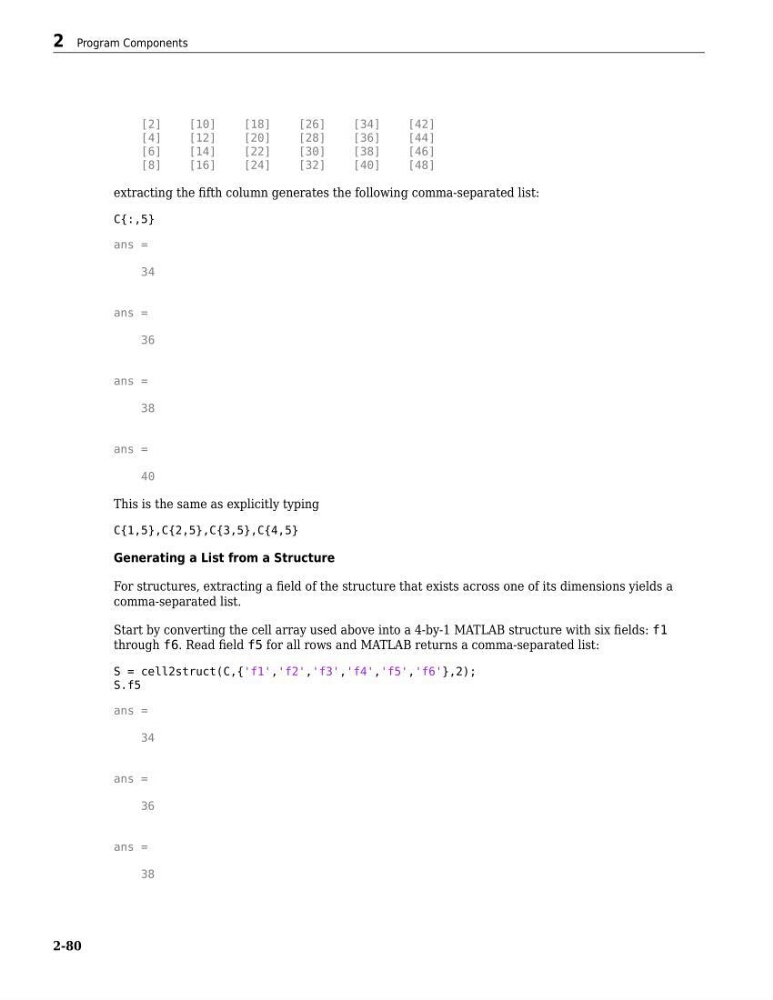
extracting the fifth column generates the following comma-separated list:
C{:,5}
ans =
34
ans =
36
ans =
38
ans =
40
This is the same as explicitly typing
C{1,5},C{2,5},C{3,5},C{4,5}
Generating a List from a Structure
For structures, extracting a field of the structure that exists across one of its dimensions yields a
comma-separated list.
Start by converting the cell array used above into a 4-by-1 MATLAB structure with six fields: f1
through f6. Read field f5 for all rows and MATLAB returns a comma-separated list:
S = cell2struct(C,{'f1','f2','f3','f4','f5','f6'},2);
S.f5
ans =
34
ans =
36
ans =
38
2 Program Components
2-80
[10]
[18]
[26]
[34]
[42]
[4]
[12]
[20]
[28]
[36]
[44]
[6]
[14]
[22]
[30]
[38]
[46]
[8]
[16]
[24]
[32]
[40]
[48]
extracting the fifth column generates the following comma-separated list:
C{:,5}
ans =
34
ans =
36
ans =
38
ans =
40
This is the same as explicitly typing
C{1,5},C{2,5},C{3,5},C{4,5}
Generating a List from a Structure
For structures, extracting a field of the structure that exists across one of its dimensions yields a
comma-separated list.
Start by converting the cell array used above into a 4-by-1 MATLAB structure with six fields: f1
through f6. Read field f5 for all rows and MATLAB returns a comma-separated list:
S = cell2struct(C,{'f1','f2','f3','f4','f5','f6'},2);
S.f5
ans =
34
ans =
36
ans =
38
2 Program Components
2-80