

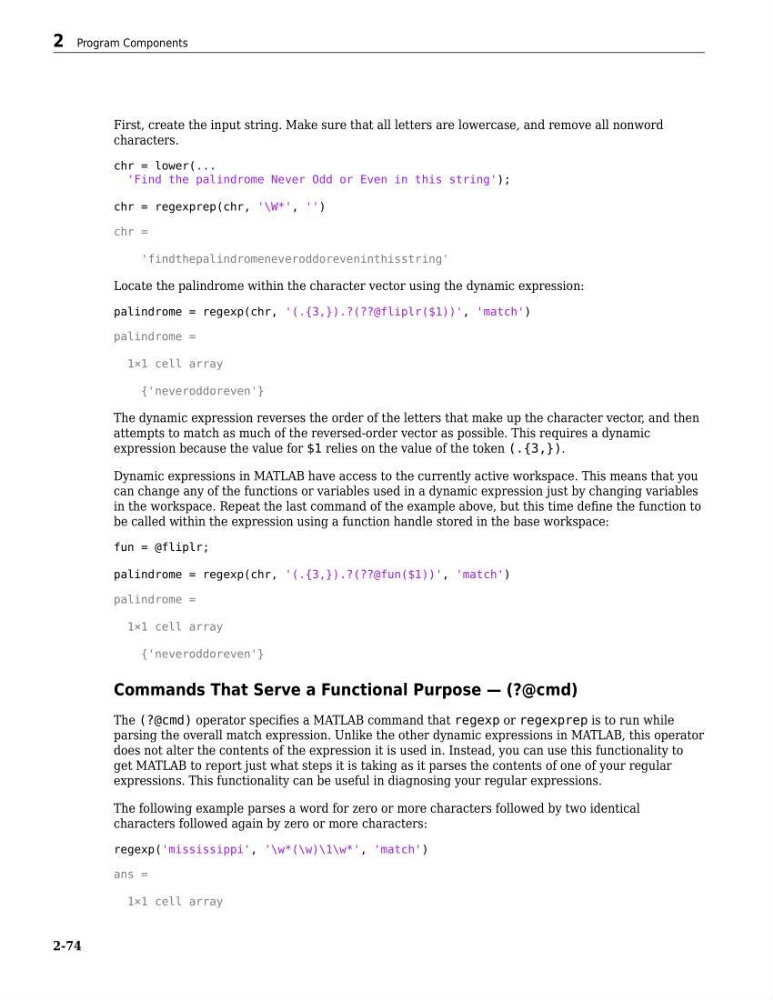
First, create the input string. Make sure that all letters are lowercase, and remove all nonword
characters.
chr = lower(...
'Find the palindrome Never Odd or Even in this string');
chr = regexprep(chr, '\W*', '')
chr =
'findthepalindromeneveroddoreveninthisstring'
Locate the palindrome within the character vector using the dynamic expression:
palindrome = regexp(chr, '(.{3,}).?(??@fliplr($1))', 'match')
palindrome =
1×1 cell array
{'neveroddoreven'}
The dynamic expression reverses the order of the letters that make up the character vector, and then
attempts to match as much of the reversed-order vector as possible. This requires a dynamic
expression because the value for $1 relies on the value of the token (.{3,}).
Dynamic expressions in MATLAB have access to the currently active workspace. This means that you
can change any of the functions or variables used in a dynamic expression just by changing variables
in the workspace. Repeat the last command of the example above, but this time define the function to
be called within the expression using a function handle stored in the base workspace:
fun = @fliplr;
palindrome = regexp(chr, '(.{3,}).?(??@fun($1))', 'match')
palindrome =
1×1 cell array
{'neveroddoreven'}
Commands That Serve a Functional Purpose — (?@cmd)
The (?@cmd) operator specifies a MATLAB command that regexp or regexprep is to run while
parsing the overall match expression. Unlike the other dynamic expressions in MATLAB, this operator
does not alter the contents of the expression it is used in. Instead, you can use this functionality to
get MATLAB to report just what steps it is taking as it parses the contents of one of your regular
expressions. This functionality can be useful in diagnosing your regular expressions.
The following example parses a word for zero or more characters followed by two identical
characters followed again by zero or more characters:
regexp('mississippi', '\w*(\w)\1\w*', 'match')
ans =
1×1 cell array
2 Program Components
2-74
characters.
chr = lower(...
'Find the palindrome Never Odd or Even in this string');
chr = regexprep(chr, '\W*', '')
chr =
'findthepalindromeneveroddoreveninthisstring'
Locate the palindrome within the character vector using the dynamic expression:
palindrome = regexp(chr, '(.{3,}).?(??@fliplr($1))', 'match')
palindrome =
1×1 cell array
{'neveroddoreven'}
The dynamic expression reverses the order of the letters that make up the character vector, and then
attempts to match as much of the reversed-order vector as possible. This requires a dynamic
expression because the value for $1 relies on the value of the token (.{3,}).
Dynamic expressions in MATLAB have access to the currently active workspace. This means that you
can change any of the functions or variables used in a dynamic expression just by changing variables
in the workspace. Repeat the last command of the example above, but this time define the function to
be called within the expression using a function handle stored in the base workspace:
fun = @fliplr;
palindrome = regexp(chr, '(.{3,}).?(??@fun($1))', 'match')
palindrome =
1×1 cell array
{'neveroddoreven'}
Commands That Serve a Functional Purpose — (?@cmd)
The (?@cmd) operator specifies a MATLAB command that regexp or regexprep is to run while
parsing the overall match expression. Unlike the other dynamic expressions in MATLAB, this operator
does not alter the contents of the expression it is used in. Instead, you can use this functionality to
get MATLAB to report just what steps it is taking as it parses the contents of one of your regular
expressions. This functionality can be useful in diagnosing your regular expressions.
The following example parses a word for zero or more characters followed by two identical
characters followed again by zero or more characters:
regexp('mississippi', '\w*(\w)\1\w*', 'match')
ans =
1×1 cell array
2 Program Components
2-74