

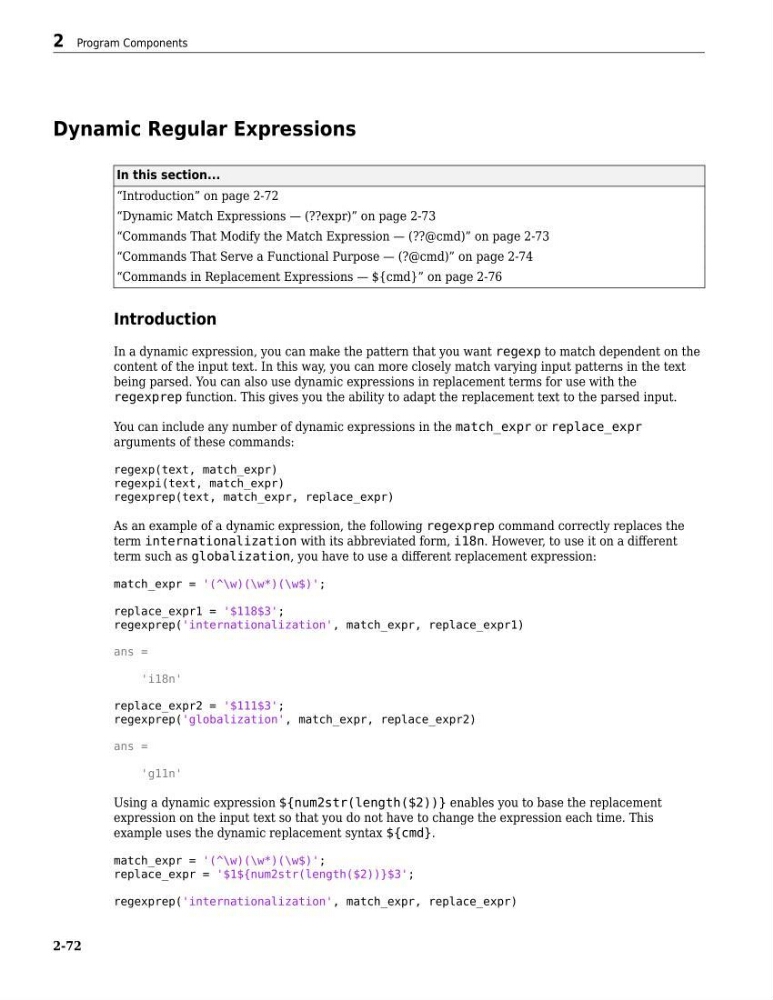
Dynamic Regular Expressions
In this section...
“Introduction” on page 2-72
“Dynamic Match Expressions — (??expr)” on page 2-73
“Commands That Modify the Match Expression — (??@cmd)” on page 2-73
“Commands That Serve a Functional Purpose — (?@cmd)” on page 2-74
“Commands in Replacement Expressions — ${cmd}” on page 2-76
Introduction
In a dynamic expression, you can make the pattern that you want regexp to match dependent on the
content of the input text. In this way, you can more closely match varying input patterns in the text
being parsed. You can also use dynamic expressions in replacement terms for use with the
regexprep function. This gives you the ability to adapt the replacement text to the parsed input.
You can include any number of dynamic expressions in the match_expr or replace_expr
arguments of these commands:
regexp(text, match_expr)
regexpi(text, match_expr)
regexprep(text, match_expr, replace_expr)
As an example of a dynamic expression, the following regexprep command correctly replaces the
term internationalization with its abbreviated form, i18n. However, to use it on a different
term such as globalization, you have to use a different replacement expression:
match_expr = '(^\w)(\w*)(\w$)';
replace_expr1 = '$118$3';
regexprep('internationalization', match_expr, replace_expr1)
ans =
'i18n'
replace_expr2 = '$111$3';
regexprep('globalization', match_expr, replace_expr2)
ans =
'g11n'
Using a dynamic expression ${num2str(length($2))} enables you to base the replacement
expression on the input text so that you do not have to change the expression each time. This
example uses the dynamic replacement syntax ${cmd}.
match_expr = '(^\w)(\w*)(\w$)';
replace_expr = '$1${num2str(length($2))}$3';
regexprep('internationalization', match_expr, replace_expr)
2 Program Components
2-72
In this section...
“Introduction” on page 2-72
“Dynamic Match Expressions — (??expr)” on page 2-73
“Commands That Modify the Match Expression — (??@cmd)” on page 2-73
“Commands That Serve a Functional Purpose — (?@cmd)” on page 2-74
“Commands in Replacement Expressions — ${cmd}” on page 2-76
Introduction
In a dynamic expression, you can make the pattern that you want regexp to match dependent on the
content of the input text. In this way, you can more closely match varying input patterns in the text
being parsed. You can also use dynamic expressions in replacement terms for use with the
regexprep function. This gives you the ability to adapt the replacement text to the parsed input.
You can include any number of dynamic expressions in the match_expr or replace_expr
arguments of these commands:
regexp(text, match_expr)
regexpi(text, match_expr)
regexprep(text, match_expr, replace_expr)
As an example of a dynamic expression, the following regexprep command correctly replaces the
term internationalization with its abbreviated form, i18n. However, to use it on a different
term such as globalization, you have to use a different replacement expression:
match_expr = '(^\w)(\w*)(\w$)';
replace_expr1 = '$118$3';
regexprep('internationalization', match_expr, replace_expr1)
ans =
'i18n'
replace_expr2 = '$111$3';
regexprep('globalization', match_expr, replace_expr2)
ans =
'g11n'
Using a dynamic expression ${num2str(length($2))} enables you to base the replacement
expression on the input text so that you do not have to change the expression each time. This
example uses the dynamic replacement syntax ${cmd}.
match_expr = '(^\w)(\w*)(\w$)';
replace_expr = '$1${num2str(length($2))}$3';
regexprep('internationalization', match_expr, replace_expr)
2 Program Components
2-72