

CHAPTER 9 ■ IOT PATTERNS: LOCATION AWARE
203
Map
All the GPS coordinates being stored in the database are not visible to anyone yet. Next,
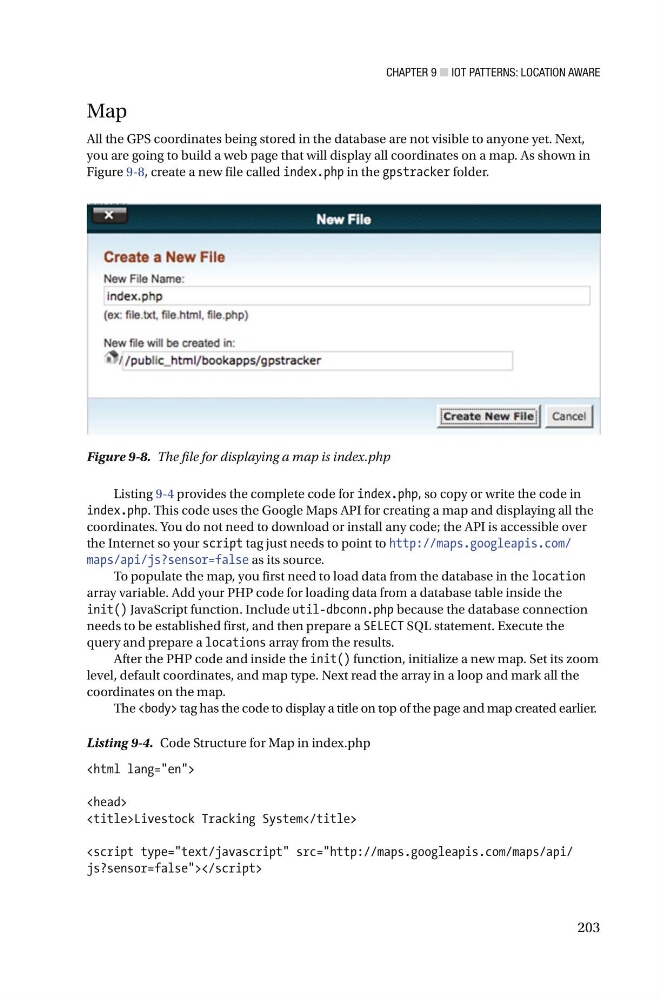
you are going to build a web page that will display all coordinates on a map. As shown in
Figure 9-8 , create a new file called index.php in the gpstracker folder.
Figure 9-8. The file for displaying a map is index.php
Listing 9-4 provides the complete code for index.php , so copy or write the code in
index.php . This code uses the Google Maps API for creating a map and displaying all the
coordinates. You do not need to download or install any code; the API is accessible over
the Internet so your script tag just needs to point to http://maps.googleapis.com/
maps/api/js?sensor=false as its source.
To populate the map, you first need to load data from the database in the location
array variable. Add your PHP code for loading data from a database table inside the
init() JavaScript function. Include util-dbconn.php because the database connection
needs to be established first, and then prepare a SELECT SQL statement. Execute the
query and prepare a locations array from the results.
After the PHP code and inside the init() function, initialize a new map. Set its zoom
level, default coordinates, and map type. Next read the array in a loop and mark all the
coordinates on the map.
The tag has the code to display a title on top of the page and map created earlier.
Listing 9-4. Code Structure for Map in index.php
Livestock Tracking System
203
Map
All the GPS coordinates being stored in the database are not visible to anyone yet. Next,
you are going to build a web page that will display all coordinates on a map. As shown in
Figure 9-8 , create a new file called index.php in the gpstracker folder.
Figure 9-8. The file for displaying a map is index.php
Listing 9-4 provides the complete code for index.php , so copy or write the code in
index.php . This code uses the Google Maps API for creating a map and displaying all the
coordinates. You do not need to download or install any code; the API is accessible over
the Internet so your script tag just needs to point to http://maps.googleapis.com/
maps/api/js?sensor=false as its source.
To populate the map, you first need to load data from the database in the location
array variable. Add your PHP code for loading data from a database table inside the
init() JavaScript function. Include util-dbconn.php because the database connection
needs to be established first, and then prepare a SELECT SQL statement. Execute the
query and prepare a locations array from the results.
After the PHP code and inside the init() function, initialize a new map. Set its zoom
level, default coordinates, and map type. Next read the array in a loop and mark all the
coordinates on the map.
The tag has the code to display a title on top of the page and map created earlier.
Listing 9-4. Code Structure for Map in index.php