

CHAPTER 7 ■ IOT PATTERNS: ON-DEMAND CLIENTS
173
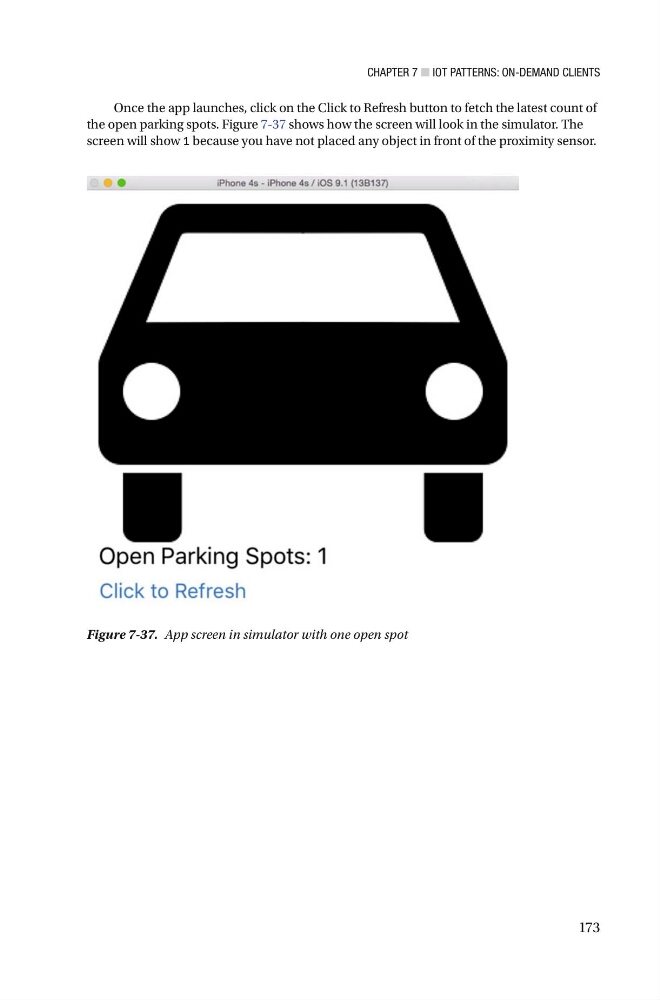
Once the app launches, click on the Click to Refresh button to fetch the latest count of
the open parking spots. Figure 7-37 shows how the screen will look in the simulator . The
screen will show 1 because you have not placed any object in front of the proximity sensor .
Figure 7-37. App screen in simulator with one open spot
173
Once the app launches, click on the Click to Refresh button to fetch the latest count of
the open parking spots. Figure 7-37 shows how the screen will look in the simulator . The
screen will show 1 because you have not placed any object in front of the proximity sensor .
Figure 7-37. App screen in simulator with one open spot