

Getting the Word Out
Step #1: Add a "Send SMS" Option Menu
The most likely place to add an option to send an SMS about a restaurant
would be the DetailForm activity, since that is where we have our perrestaurant operations (e.g., call the restaurant). And, since we already have
an option menu for DetailForm, all we need to do is add another entry to it
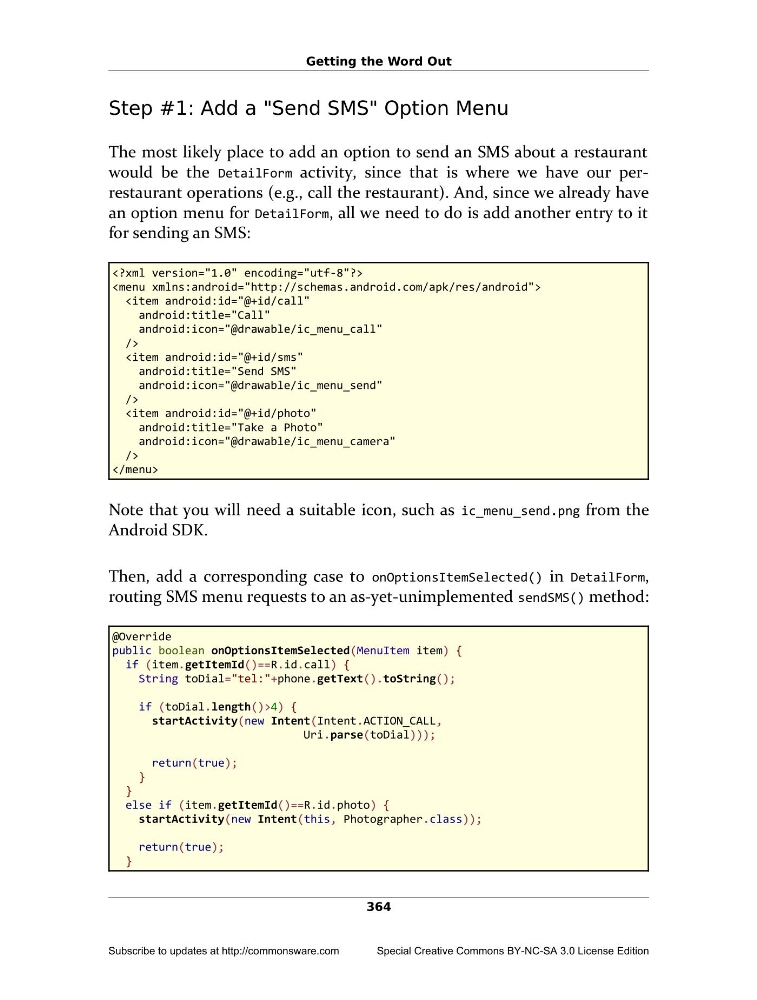
for sending an SMS:
Note that you will need a suitable icon, such as ic_menu_send.png from the
Android SDK.
Then, add a corresponding case to onOptionsItemSelected() in DetailForm,
routing SMS menu requests to an as-yet-unimplemented sendSMS() method:
@Override
public boolean onOptionsItemSelected(MenuItem item) {
if (item.getItemId()==R.id.call) {
String toDial="tel:"+phone.getText().toString();
if (toDial.length()>4) {
startActivity(new Intent(Intent.ACTION_CALL,
Uri.parse(toDial)));
return(true);
}
}
else if (item.getItemId()==R.id.photo) {
startActivity(new Intent(this, Photographer.class));
return(true);
}
364
Subscribe to updates at http://commonsware.com
Special Creative Commons BY-NC-SA 3.0 License Edition
Step #1: Add a "Send SMS" Option Menu
The most likely place to add an option to send an SMS about a restaurant
would be the DetailForm activity, since that is where we have our perrestaurant operations (e.g., call the restaurant). And, since we already have
an option menu for DetailForm, all we need to do is add another entry to it
for sending an SMS:
Note that you will need a suitable icon, such as ic_menu_send.png from the
Android SDK.
Then, add a corresponding case to onOptionsItemSelected() in DetailForm,
routing SMS menu requests to an as-yet-unimplemented sendSMS() method:
@Override
public boolean onOptionsItemSelected(MenuItem item) {
if (item.getItemId()==R.id.call) {
String toDial="tel:"+phone.getText().toString();
if (toDial.length()>4) {
startActivity(new Intent(Intent.ACTION_CALL,
Uri.parse(toDial)));
return(true);
}
}
else if (item.getItemId()==R.id.photo) {
startActivity(new Intent(this, Photographer.class));
return(true);
}
364
Subscribe to updates at http://commonsware.com
Special Creative Commons BY-NC-SA 3.0 License Edition