

Photographic Memory
•
The element, indicating that while the code should run
on Android 1.5 and newer (android:minSdkVersion="3"), that we are
targeting Android 2.1 (android:targetSdkVersion="7").
•
The element, indicating that our application
supports both large (4" or higher) and normal (3-4") screens, but
not small screens.
•
The element, indicating that we are going to be
using the camera from this point forward. This will tell the system
to prevent installation of our application on devices that lack a
camera.
•
Another element, this time to tell the user that
we want to use the camera.
•
An element for a Photographer class, that we will be
adding shortly. Note that we set Photographer to be always
landscape and use a theme that makes it full-screen, removing the
title bar and the status bar.
Step #2: Create the Photographer Layout
We need a layout with a full-screen SurfaceView to use as the space to
display the "preview" – what the camera currently sees.
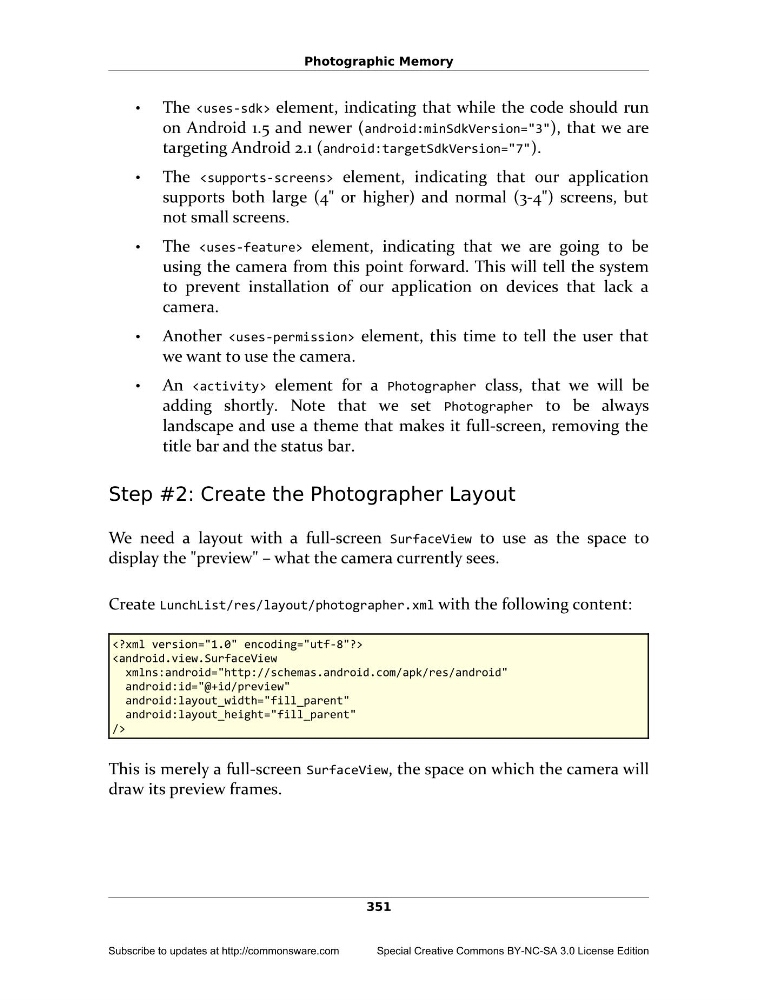
Create LunchList/res/layout/photographer.xml with the following content:
android:id="@+id/preview"
android:layout_width="fill_parent"
android:layout_height="fill_parent"
/>
This is merely a full-screen SurfaceView, the space on which the camera will
draw its preview frames.
351
Subscribe to updates at http://commonsware.com
Special Creative Commons BY-NC-SA 3.0 License Edition
•
The
on Android 1.5 and newer (android:minSdkVersion="3"), that we are
targeting Android 2.1 (android:targetSdkVersion="7").
•
The
supports both large (4" or higher) and normal (3-4") screens, but
not small screens.
•
The
using the camera from this point forward. This will tell the system
to prevent installation of our application on devices that lack a
camera.
•
Another
we want to use the camera.
•
An
adding shortly. Note that we set Photographer to be always
landscape and use a theme that makes it full-screen, removing the
title bar and the status bar.
Step #2: Create the Photographer Layout
We need a layout with a full-screen SurfaceView to use as the space to
display the "preview" – what the camera currently sees.
Create LunchList/res/layout/photographer.xml with the following content:
android:id="@+id/preview"
android:layout_width="fill_parent"
android:layout_height="fill_parent"
/>
This is merely a full-screen SurfaceView, the space on which the camera will
draw its preview frames.
351
Subscribe to updates at http://commonsware.com
Special Creative Commons BY-NC-SA 3.0 License Edition