

Asking Permission to Place a Call
android:icon="@drawable/icon">
android:resource="@xml/widget_provider" />
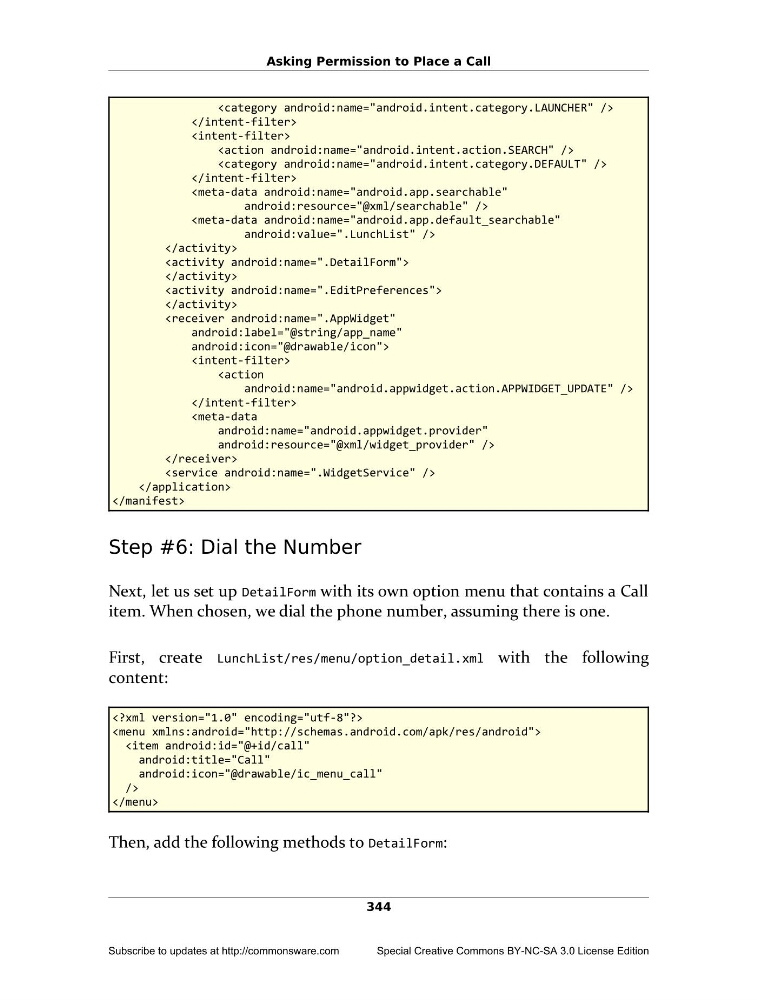
Step #6: Dial the Number
Next, let us set up DetailForm with its own option menu that contains a Call
item. When chosen, we dial the phone number, assuming there is one.
First, create LunchList/res/menu/option_detail.xml with the following
content:
Then, add the following methods to DetailForm:
344
Subscribe to updates at http://commonsware.com
Special Creative Commons BY-NC-SA 3.0 License Edition
android:icon="@drawable/icon">
android:resource="@xml/widget_provider" />
Step #6: Dial the Number
Next, let us set up DetailForm with its own option menu that contains a Call
item. When chosen, we dial the phone number, assuming there is one.
First, create LunchList/res/menu/option_detail.xml with the following
content:
Then, add the following methods to DetailForm:
344
Subscribe to updates at http://commonsware.com
Special Creative Commons BY-NC-SA 3.0 License Edition