

What's Your Preference?
This sets up a single-item PreferenceScreen. Note that it references two
string arrays, one for the display labels of the sort-order selection list, and
one for the values actually stored in the SharedPreferences.
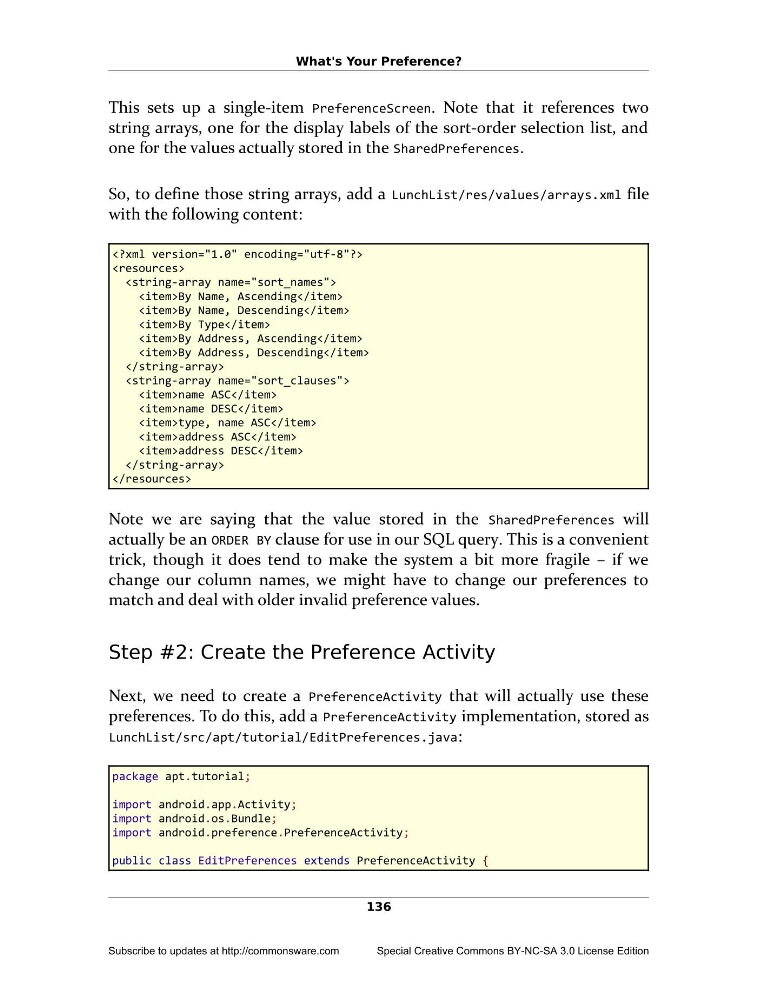
So, to define those string arrays, add a LunchList/res/values/arrays.xml file
with the following content:
- By Name, Ascending
- By Name, Descending
- By Type
- By Address, Ascending
- By Address, Descending
- name ASC
- name DESC
- type, name ASC
- address ASC
- address DESC
Note we are saying that the value stored in the SharedPreferences will
actually be an ORDER BY clause for use in our SQL query. This is a convenient
trick, though it does tend to make the system a bit more fragile – if we
change our column names, we might have to change our preferences to
match and deal with older invalid preference values.
Step #2: Create the Preference Activity
Next, we need to create a PreferenceActivity that will actually use these
preferences. To do this, add a PreferenceActivity implementation, stored as
LunchList/src/apt/tutorial/EditPreferences.java:
package apt.tutorial;
import android.app.Activity;
import android.os.Bundle;
import android.preference.PreferenceActivity;
public class EditPreferences extends PreferenceActivity {
136
Subscribe to updates at http://commonsware.com
Special Creative Commons BY-NC-SA 3.0 License Edition
This sets up a single-item PreferenceScreen. Note that it references two
string arrays, one for the display labels of the sort-order selection list, and
one for the values actually stored in the SharedPreferences.
So, to define those string arrays, add a LunchList/res/values/arrays.xml file
with the following content:
Note we are saying that the value stored in the SharedPreferences will
actually be an ORDER BY clause for use in our SQL query. This is a convenient
trick, though it does tend to make the system a bit more fragile – if we
change our column names, we might have to change our preferences to
match and deal with older invalid preference values.
Step #2: Create the Preference Activity
Next, we need to create a PreferenceActivity that will actually use these
preferences. To do this, add a PreferenceActivity implementation, stored as
LunchList/src/apt/tutorial/EditPreferences.java:
package apt.tutorial;
import android.app.Activity;
import android.os.Bundle;
import android.preference.PreferenceActivity;
public class EditPreferences extends PreferenceActivity {
136
Subscribe to updates at http://commonsware.com
Special Creative Commons BY-NC-SA 3.0 License Edition