

114
13.1 Be in Control!
Ensure you have control over the computer. You have to be able to change slides and
control animations yourself. Avoid the very painful series of “next slide please”!
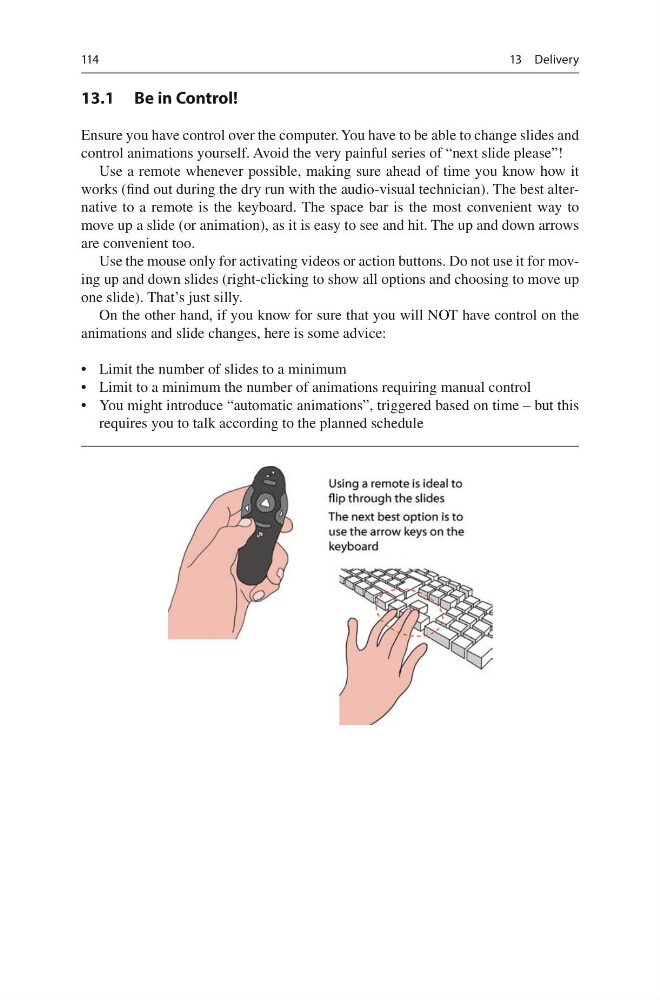
Use a remote whenever possible, making sure ahead of time you know how it
works (find out during the dry run with the audio-visual technician). The best alternative to a remote is the keyboard. The space bar is the most convenient way to
move up a slide (or animation), as it is easy to see and hit. The up and down arrows
are convenient too.
Use the mouse only for activating videos or action buttons. Do not use it for moving up and down slides (right-clicking to show all options and choosing to move up
one slide). That’s just silly.
On the other hand, if you know for sure that you will NOT have control on the
animations and slide changes, here is some advice:
• Limit the number of slides to a minimum
• Limit to a minimum the number of animations requiring manual control
• You might introduce “automatic animations”, triggered based on time – but this
requires you to talk according to the planned schedule
13 Delivery
13.1 Be in Control!
Ensure you have control over the computer. You have to be able to change slides and
control animations yourself. Avoid the very painful series of “next slide please”!
Use a remote whenever possible, making sure ahead of time you know how it
works (find out during the dry run with the audio-visual technician). The best alternative to a remote is the keyboard. The space bar is the most convenient way to
move up a slide (or animation), as it is easy to see and hit. The up and down arrows
are convenient too.
Use the mouse only for activating videos or action buttons. Do not use it for moving up and down slides (right-clicking to show all options and choosing to move up
one slide). That’s just silly.
On the other hand, if you know for sure that you will NOT have control on the
animations and slide changes, here is some advice:
• Limit the number of slides to a minimum
• Limit to a minimum the number of animations requiring manual control
• You might introduce “automatic animations”, triggered based on time – but this
requires you to talk according to the planned schedule
13 Delivery