

112
12.7 Slides for Teleconferences
At the time of writing this book (2020), the world is going through a major pandemic forcing countless employees to work from home and rely on teleconferencing. While teleconferencing platforms allow transmitting the user’s video image,
they also allow sharing computer screens. As such, teleconferences are not that different from regular “on-site” meetings. Therefore, all the advice provided in Sect.
12.6 (Slides for day-to-day meetings) apply just as well for conference calls involving video (e.g. feeding all relevant information in a single all-encompassing presentation file).
The fact that all the visual information goes through the screen, as compared to
regular meetings where actual printed documents can be shared and physical interactions are possible, makes it even more critical to optimize what is displayed on the
screen during teleconferences.
To stop your fellow co-workers getting distracted by their cat, mending their
toenails or work on something completely different while you are presenting your
views, it is imperative that you prepare a good visual “show”, hence, a presentation.
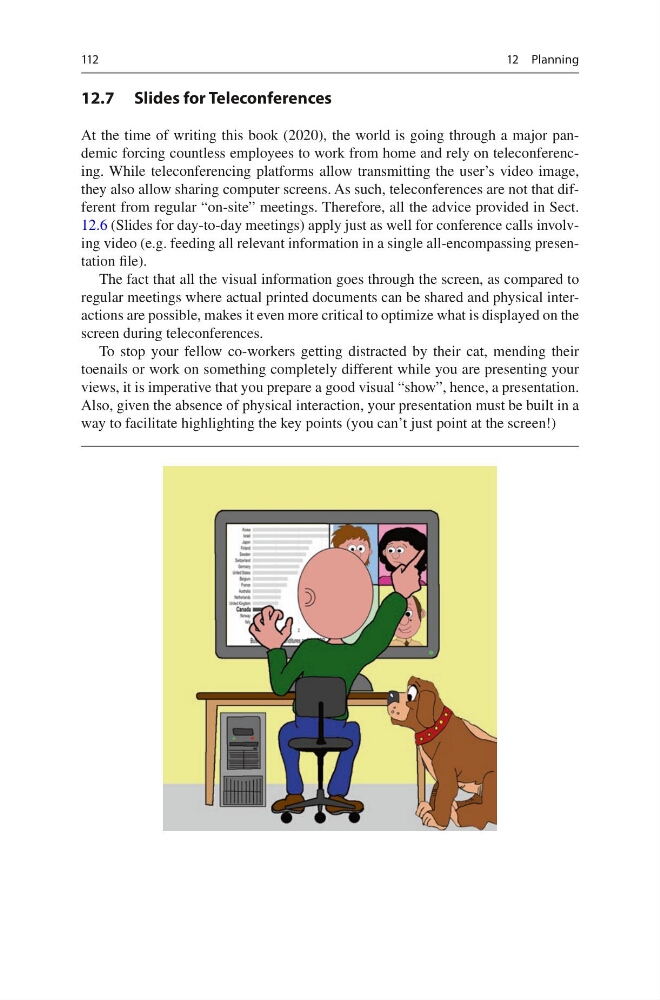
Also, given the absence of physical interaction, your presentation must be built in a
way to facilitate highlighting the key points (you can’t just point at the screen!)
12 Planning
12.7 Slides for Teleconferences
At the time of writing this book (2020), the world is going through a major pandemic forcing countless employees to work from home and rely on teleconferencing. While teleconferencing platforms allow transmitting the user’s video image,
they also allow sharing computer screens. As such, teleconferences are not that different from regular “on-site” meetings. Therefore, all the advice provided in Sect.
12.6 (Slides for day-to-day meetings) apply just as well for conference calls involving video (e.g. feeding all relevant information in a single all-encompassing presentation file).
The fact that all the visual information goes through the screen, as compared to
regular meetings where actual printed documents can be shared and physical interactions are possible, makes it even more critical to optimize what is displayed on the
screen during teleconferences.
To stop your fellow co-workers getting distracted by their cat, mending their
toenails or work on something completely different while you are presenting your
views, it is imperative that you prepare a good visual “show”, hence, a presentation.
Also, given the absence of physical interaction, your presentation must be built in a
way to facilitate highlighting the key points (you can’t just point at the screen!)
12 Planning