

Thus, if you want to visualize your BAM file, in the IGV Browser [4–6], for example,
you need the corresponding BAI file to do so. Another possibility to visualize your BAM
alignment file is to upload your files to the bam.iobio online tool (https://bam.iobio.io/).
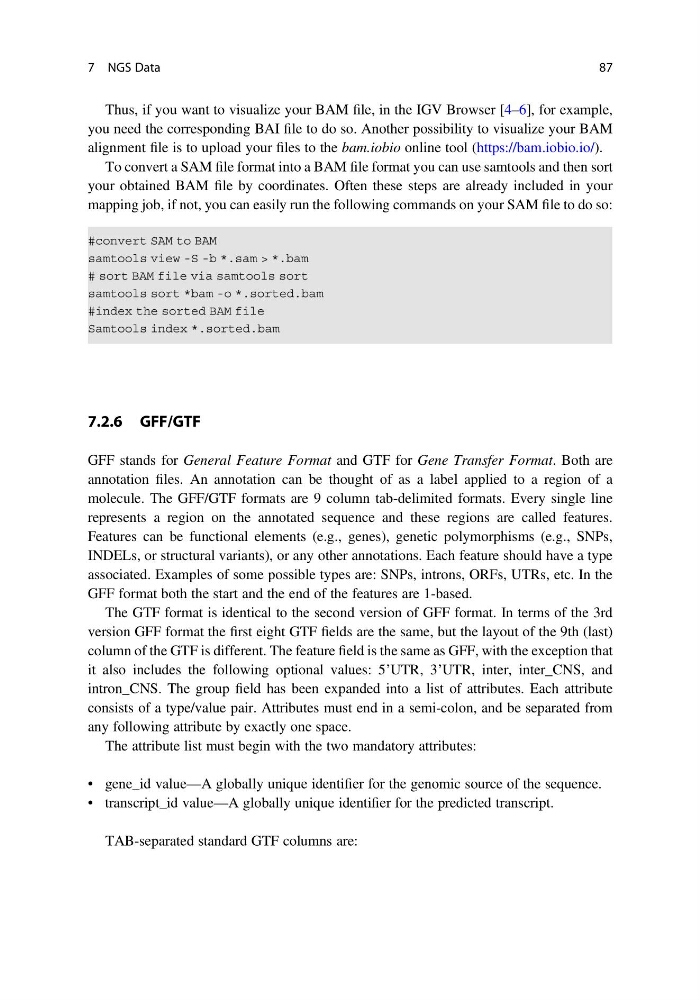
To convert a SAM file format into a BAM file format you can use samtools and then sort
your obtained BAM file by coordinates. Often these steps are already included in your
mapping job, if not, you can easily run the following commands on your SAM file to do so:
7.2.6 GFF/GTF
GFF stands for General Feature Format and GTF for Gene Transfer Format. Both are
annotation files. An annotation can be thought of as a label applied to a region of a
molecule. The GFF/GTF formats are 9 column tab-delimited formats. Every single line
represents a region on the annotated sequence and these regions are called features.
Features can be functional elements (e.g., genes), genetic polymorphisms (e.g., SNPs,
INDELs, or structural variants), or any other annotations. Each feature should have a type
associated. Examples of some possible types are: SNPs, introns, ORFs, UTRs, etc. In the
GFF format both the start and the end of the features are 1-based.
The GTF format is identical to the second version of GFF format. In terms of the 3rd
version GFF format the first eight GTF fields are the same, but the layout of the 9th (last)
column of the GTF is different. The feature field is the same as GFF, with the exception that
it also includes the following optional values: 5’UTR, 3’UTR, inter, inter_CNS, and
intron_CNS. The group field has been expanded into a list of attributes. Each attribute
consists of a type/value pair. Attributes must end in a semi-colon, and be separated from
any following attribute by exactly one space.
The attribute list must begin with the two mandatory attributes:
• gene_id value—A globally unique identifier for the genomic source of the sequence.
• transcript_id value—A globally unique identifier for the predicted transcript.
TAB-separated standard GTF columns are:
7 NGS Data
87
you need the corresponding BAI file to do so. Another possibility to visualize your BAM
alignment file is to upload your files to the bam.iobio online tool (https://bam.iobio.io/).
To convert a SAM file format into a BAM file format you can use samtools and then sort
your obtained BAM file by coordinates. Often these steps are already included in your
mapping job, if not, you can easily run the following commands on your SAM file to do so:
7.2.6 GFF/GTF
GFF stands for General Feature Format and GTF for Gene Transfer Format. Both are
annotation files. An annotation can be thought of as a label applied to a region of a
molecule. The GFF/GTF formats are 9 column tab-delimited formats. Every single line
represents a region on the annotated sequence and these regions are called features.
Features can be functional elements (e.g., genes), genetic polymorphisms (e.g., SNPs,
INDELs, or structural variants), or any other annotations. Each feature should have a type
associated. Examples of some possible types are: SNPs, introns, ORFs, UTRs, etc. In the
GFF format both the start and the end of the features are 1-based.
The GTF format is identical to the second version of GFF format. In terms of the 3rd
version GFF format the first eight GTF fields are the same, but the layout of the 9th (last)
column of the GTF is different. The feature field is the same as GFF, with the exception that
it also includes the following optional values: 5’UTR, 3’UTR, inter, inter_CNS, and
intron_CNS. The group field has been expanded into a list of attributes. Each attribute
consists of a type/value pair. Attributes must end in a semi-colon, and be separated from
any following attribute by exactly one space.
The attribute list must begin with the two mandatory attributes:
• gene_id value—A globally unique identifier for the genomic source of the sequence.
• transcript_id value—A globally unique identifier for the predicted transcript.
TAB-separated standard GTF columns are:
7 NGS Data
87