

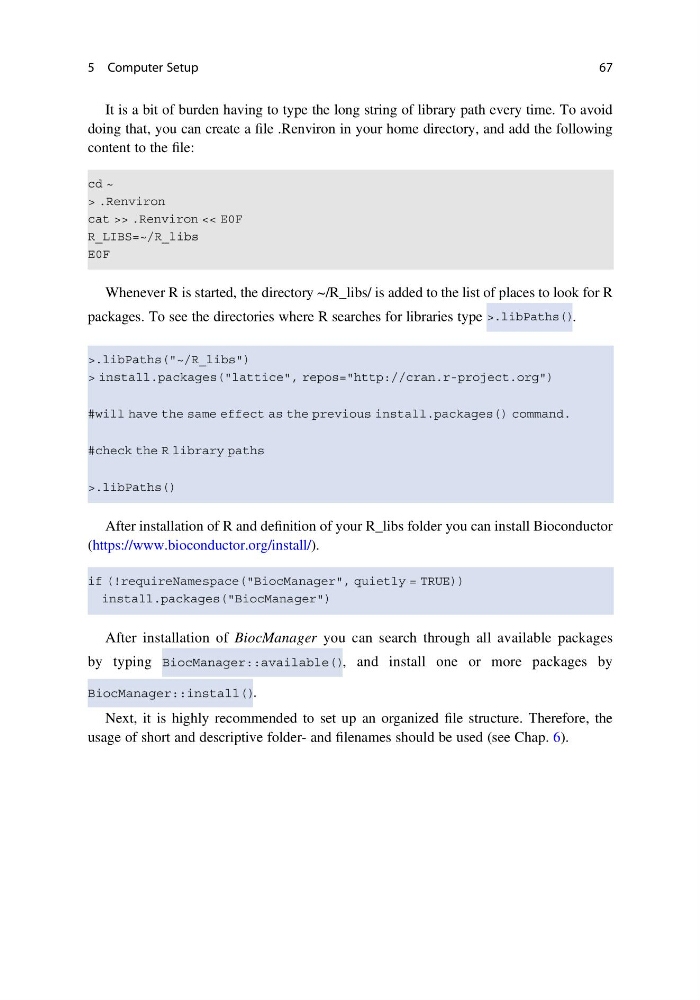
It is a bit of burden having to type the long string of library path every time. To avoid
doing that, you can create a file .Renviron in your home directory, and add the following
content to the file:
Whenever R is started, the directory ~/R_libs/ is added to the list of places to look for R
packages. To see the directories where R searches for libraries type
.
After installation of R and definition of your R_libs folder you can install Bioconductor
(https://www.bioconductor.org/install/).
After installation of BiocManager you can search through all available packages
by typing
, and install one or more packages by
.
Next, it is highly recommended to set up an organized file structure. Therefore, the
usage of short and descriptive folder- and filenames should be used (see Chap. 6).
5 Computer Setup
67
doing that, you can create a file .Renviron in your home directory, and add the following
content to the file:
Whenever R is started, the directory ~/R_libs/ is added to the list of places to look for R
packages. To see the directories where R searches for libraries type
.
After installation of R and definition of your R_libs folder you can install Bioconductor
(https://www.bioconductor.org/install/).
After installation of BiocManager you can search through all available packages
by typing
, and install one or more packages by
.
Next, it is highly recommended to set up an organized file structure. Therefore, the
usage of short and descriptive folder- and filenames should be used (see Chap. 6).
5 Computer Setup
67